1
Open the video
Use a Netflix or YouTube title connected to your subtitle-backed cards.
Video Flashcards
Video Flashcards brings your Anki review directly beside the video. Replay exact subtitle lines, switch languages, and keep the scene that made the sentence worth learning.
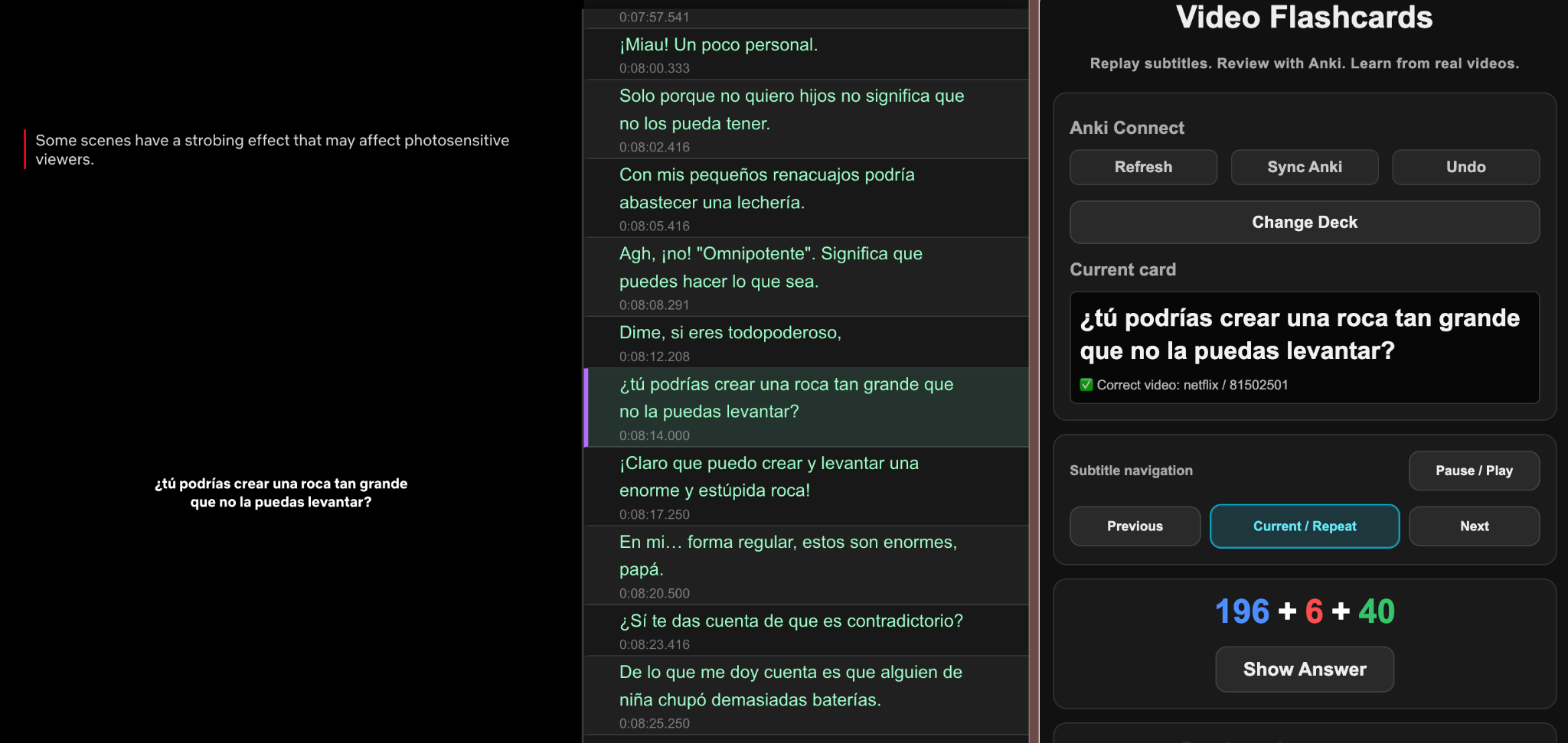
Video Flashcards works on its own. It adds a subtitle panel beside the video, lets you review Anki cards in a side panel, and keeps playback control tied to the exact card you are studying.
Video Flashcards works best when the setup is done once in the right order: install Anki, add AnkiConnect, export subtitle lines for Anki cards, import them with the required fields, and start reviewing beside the video.
Open setup guideUse a Netflix or YouTube title connected to your subtitle-backed cards.
The side panel shows the current card and gives you Anki review controls.
Jump directly to the subtitle line that belongs to the current card.
Video Flashcards can also work alongside Language Reactor for users who already rely on that subtitle workflow. It is a supported companion option, not the core dependency of the product.
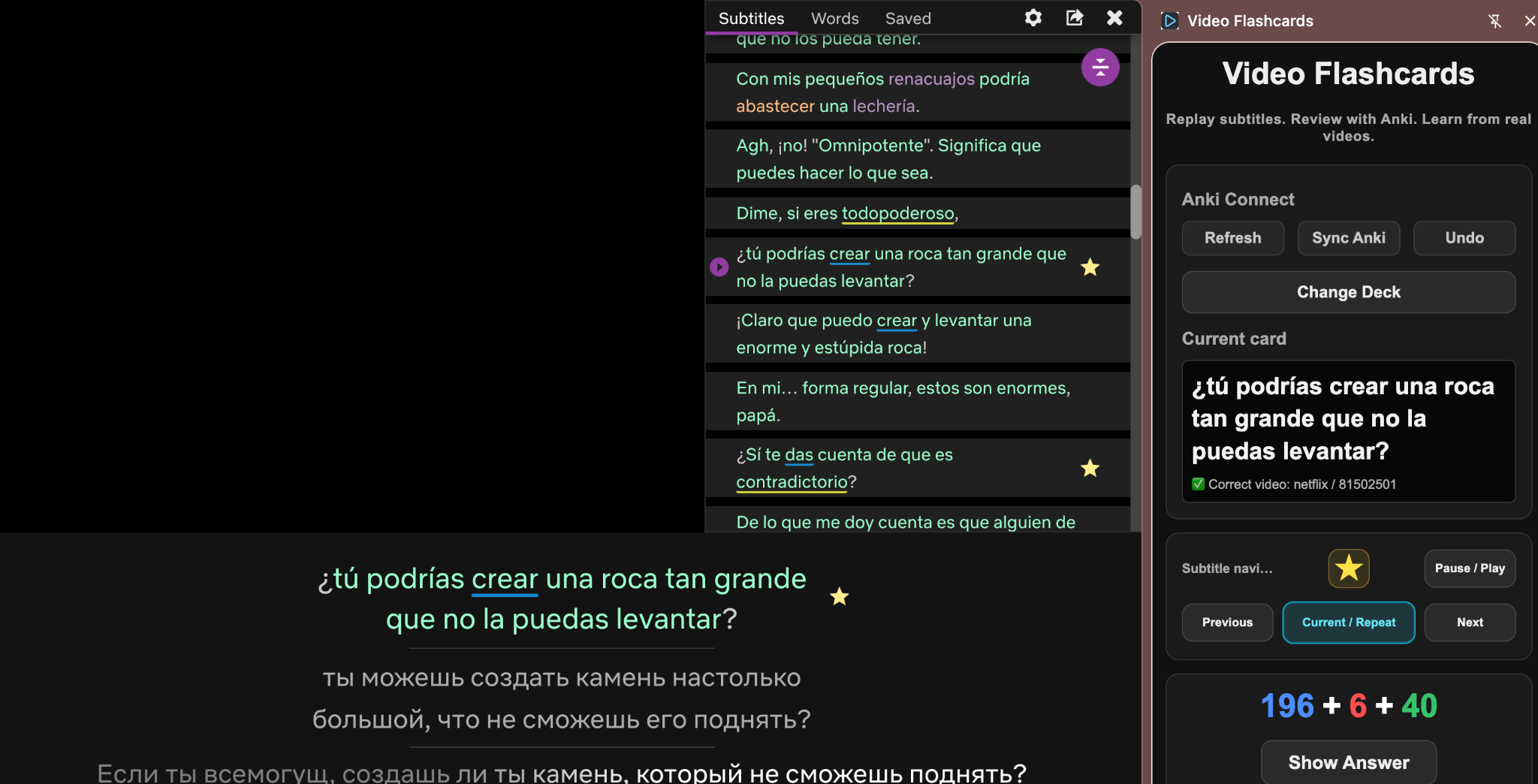
Card review stays attached to the exact video moment that generated it.
Review cards without jumping between browser tabs and desktop windows.
Save useful audio + subtitle combinations and switch them quickly.
Prepare subtitle lines for your Anki card creation workflow.
Yes. Standalone mode is the product’s primary workflow.
Yes. Video Flashcards can operate alongside it for users who already have it installed.
Yes. The extension is built around reviewing Anki cards while video context remains open.
Netflix and YouTube are supported in the current release flow.
Video Flashcards connects subtitle study with the video moment that made the line memorable.